
-
<% blocks.forEach(function(block, index) { %>
-
<% if (imageHeight) { %>
<% } %> <% if (block.name) { %>
<%= block.name %>
<% } %> <% if (block.description) { %><%= block.description %>
<% } %>
<% }) %>
Comments
9 comments
Yes, but you have to create two „Homes“ in the app.
Have a look here, this should explain how it works and what you need to do:
https://helpcenter.netatmo.com/hc/en-us/community/posts/18827179594002-If-you-need-to-connect-more-than-three-internal-modules
I hope it helps.
Steve
Hi Georgzer.
I tried today to make a second location, but system only allow me to make one. (Updatedet iphone app) Steps: Settings - Manage my Home - see overview of my stations (formerly two stations on one location, which was easy to make). Push the the three dots right top corner and see Home Information. Picture attached, in this there is only room for one address. So What do I do wrong?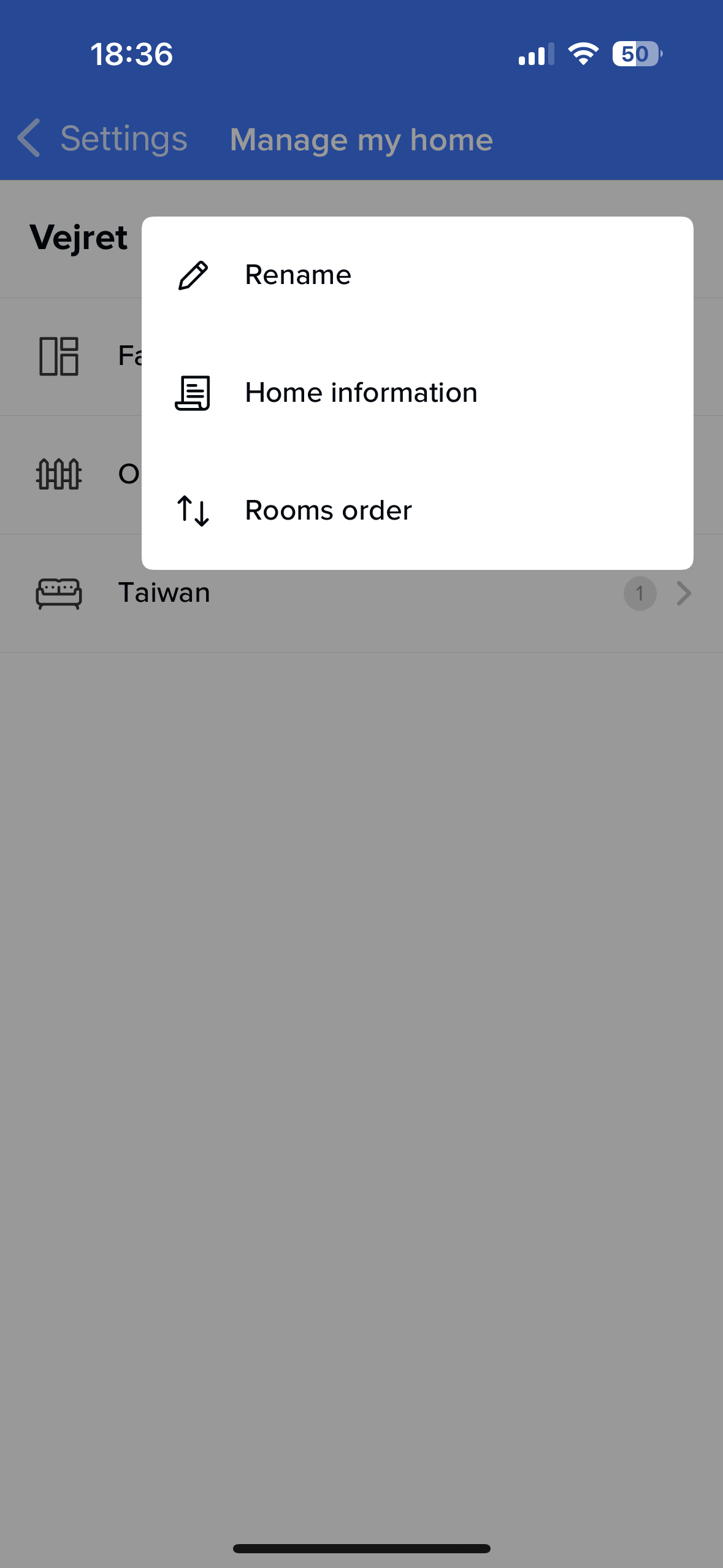
If you look here (pause at 3:09) https://youtu.be/Ijb611fZwe0?feature=shared&t=189 it shows you need to go to install and add another station, this will allow you to have another 'Home'
Hope this helps.
As Steeve said. Also fyi "empty" homes disappear from the list and only show up again when installing a new product.
Thanks guys. This helped a lot. Things are working now.
I discovered an old home, how can this be deleted?
You can’t. Support can, I think.
Just let it be. As long as it’s empty, it won’t bother you anyway 😋
Hi,
Thank you everyone for your contributions.
Only the support team can delete empty homes for you. However, as long as they are empty, they do not appear in the app, unless you have to install a new product and have to choose a virtual home among the existing ones.
Cheers.
I have then probably installed two stations at same location.
How to change that?