
-
<% blocks.forEach(function(block, index) { %>
-
<% if (imageHeight) { %>
<% } %> <% if (block.name) { %>
<%= block.name %>
<% } %> <% if (block.description) { %><%= block.description %>
<% } %>
<% }) %>
Comments
8 comments
Hello Roberto,
In case of major outage, a banner is displayed on the Netatmo helpcenter website. It's a manual operation
Have a good day,
Leslie - Community Manager
Hello I'm expieriencing a big issue with all my outdoor cams. actions are recorded but video could not be viewed. Live watching is also not possible. Message text is camera is not available. Multiple restarts without success. even not possible to configure a new backup camera. Please assist ! Is there a hotline phone number which to call for further assisstance ?
Please help, two outdoor camera with security lights, not able to get them back online
Hello @sirthomasofdutchess,
For hardware problems, please contact directly the customer support by choosing the most relevant question and use the "Submit a request" button : https://helpcenter.netatmo.com/hc/en-us/categories/360000950632-Smart-Outdoor-Camera-with-and-without-Siren
Have a good day,
Leslie - Community Manager
Thanks Leslie,
when you wrote "IIn case of major outage, a banner is displayed on the Netatmo helpcenter website" do you mean here: https://helpcenter.netatmo.com/hc/en-us ?
Because there was no banner during the last major outage either.
Thanks Roberto
Hi Roberto,
Yes, it's normally manually displayed on the homepage of the helpcenter. We also now have this dashboard : https://health.netatmo.com/posts/dashboard
When was the last outage you noticed ? Maybe they forgot the banner step, I'll remind the process to the helpcenter responsibles :)
Have a good day,
Leslie - Community Manager
Thanks Leslie,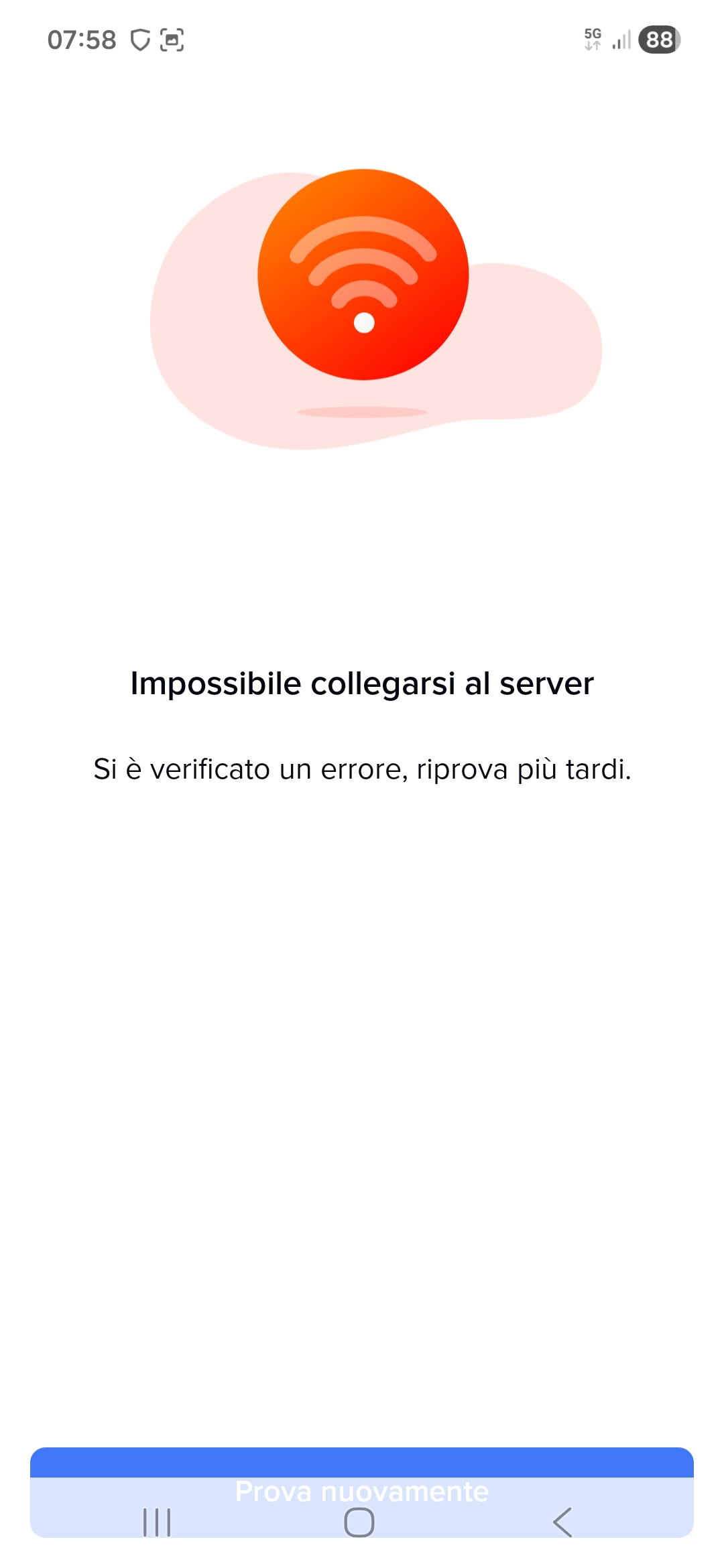
I'd like to report that just last Saturday the server went down (Screenshot1),
and a popup was reported on the help center website (Screenshot2)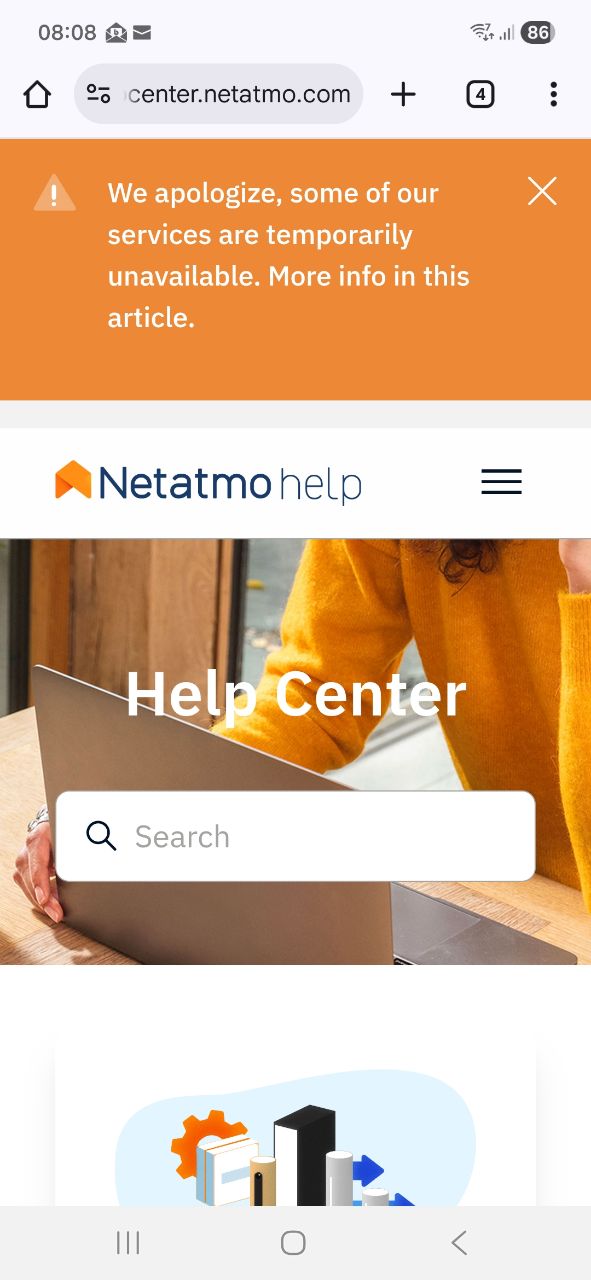
while everything was up on the dashboard link (Screenshot3).
However, the problem Netatmo can't solve is that when the server goes down, if the cameras are armed, there's no way to disable them (RED LED), and even then, presence is detected and the siren sounds WITHOUT THE POSSIBILITY OF SILENCING IT other than by turning off the main power.
This situation is not possible; Netatmo must find a solution to force the cameras to be unlocked when the server is down.
Thanks Roberto
Hi Roberto,
I reported the usecase to the teams (but be assured it's a known problem)
Concerning the health center, I guess it concerns this problem : https://health.netatmo.com/posts/details/PYQSIY6
Generally, the first action is to activate the banner as it's fast and can be done with one click. The update of the health center is done by the developers themselves. So when they need to act urgently it can take more time to communicate via this platform
Have a good day,
Leslie - Community Manager