Before attempting to connect the Relay to your Wi-Fi network, please perform some basic checks to ensure that operations are carried out correctly:
- Wireless. Netatmo products are not compatible with certain types of Wi-Fi networks. You must therefore ensure that the network to which you wish to connect the Relay is a personal network and not one of these types:
1. A corporate network, a connection portal, or other public network.
2. A network operating only on the 5GHz frequency band (the Relay can only be connected to Wi-Fi networks using 2.4GHz).
Note: If your network is equipped with Wi-Fi repeater(s), it is recommended to assign a different SSID (access point name) for each device. Make sure to connect the Relay to the access point with the strongest signal, and that the smartphone (or tablet) used for installation is also connected to this access point during installation.
- Power supply.
- Check that the Relay is properly supplied by the mains, via one of the supplied adaptors (boiler adaptor or adaptor for wall outlet). The Relay will not function properly if it is powered by its USB port (which should only be used for installation from a computer). On power-up, the LED should flash 5 times quickly.
- Check that the Thermostat is properly powered and that it is within radio range of the Relay. Replace the batteries with new ones if necessary.
- Mobile device. Make sure your smartphone (or tablet):
1. Receive the signal from the Wi-Fi network at the exact location of the Relay (the module equipped with an LED).
2. Is connected to the same Wi-Fi network as the one to which you wish to connect the Relay before starting the installation.
3. Has its Bluetooth and GPS modules activated (they can be deactivated after the installation completion).
4. Is near the Relay (less than a meter).
If possible and necessary, try with different iOS or Android mobile devices compatible with the Netatmo Energy app.
If all these checks have been made and you are unable to connect the Relay to your Wi-Fi network, please apply the advice described below:
- Restart the Wi-Fi router (and the Wi-Fi repeater on which the Relay will be connected, if there is one) by disconnecting it electrically, then reconnecting it after having waited 30 seconds.
- Restart the smartphone (or tablet).
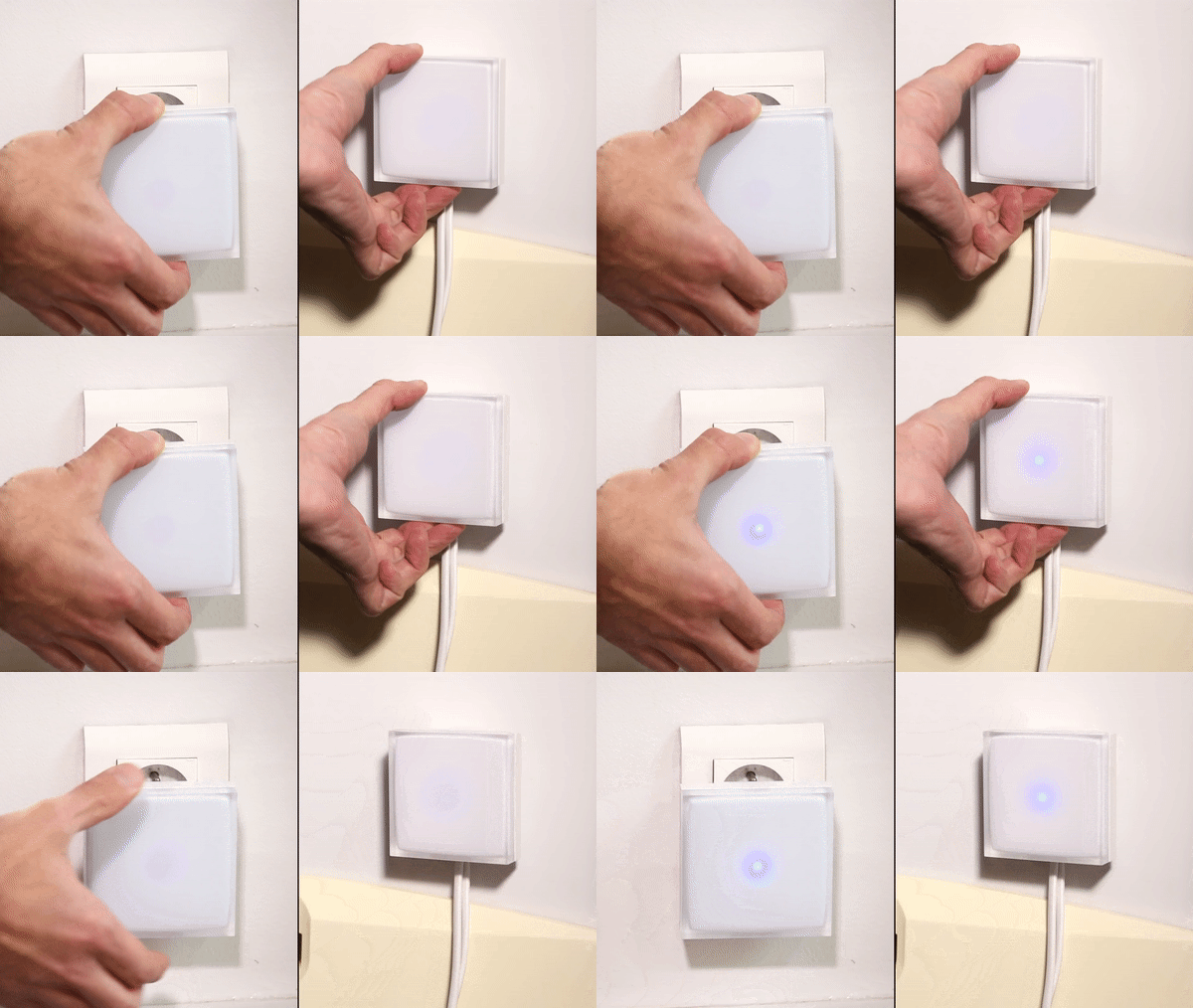
- Restart the Relay by electrically disconnecting it, then reconnecting it after having waited 30 seconds. Once the 3 devices have restarted and are fully operational (this may take a few minutes), launch the application and retry the installation by scrupulously following the instructions displayed on the screen. If the Relay has already been connected to a Wi-Fi network in the past, you will need to press its button for a few seconds until the LED goes to the “slow flashing” state (glow) so that the Smartphone-Relay association can be established.
Updated